







Description
Download Saavn Music Radio – music streaming, offline music, playlist creator, online radio, Tamil music, Hindi music, English music, Telugu music, music app
Overview
Saavn Music & Radio is a desktop application designed to deliver a comprehensive music listening experience across multiple languages and genres. Tailored for users who enjoy diverse musical content, the software provides access to a vast library of songs, albums, and curated playlists featuring artists from Tamil, Hindi, English, and Telugu-speaking regions. The app supports both streaming and offline playback, allowing users to enjoy their favorite tracks without an internet connection. It serves as a central hub for music lovers seeking variety, convenience, and personalization.
Target users include casual listeners, regional music enthusiasts, and individuals who value curated content and playlist customization. The application enables users to explore new music through genre-specific recommendations and real-time online radio stations. Whether you're looking for a nostalgic Bollywood hit, a trending Tamil track, or a relaxing English ballad, Saavn Music & Radio aims to meet those needs. The developer, Saavn, has positioned the app as a go-to solution for multilingual music consumption on desktop platforms.
Key Features & Capabilities
- Multi-language Music Library: Access to songs and albums in Tamil, Hindi, English, and Telugu, catering to a broad linguistic audience.
- Curated Playlists: Expertly selected playlists based on mood, genre, occasion, and popularity, enhancing music discovery.
- Online Radio Stations: Real-time streaming of themed radio channels, offering continuous music without manual selection.
- Playlist Creator: Users can build and save custom playlists with their preferred songs for repeated listening.
- Offline Music Mode: Download tracks for offline playback, ideal for travel or areas with limited connectivity.
- Genre-Based Discovery: Browse and filter music by genre, making it easier to find content that matches personal taste.
These features support a seamless music experience, whether users are relaxing at home, commuting, or working. The playlist creator empowers users to personalize their listening journey, while offline mode ensures uninterrupted access. Online radio provides passive entertainment, and curated playlists help users discover new artists and songs across different cultures and languages.
User Interface, Workflow & Performance
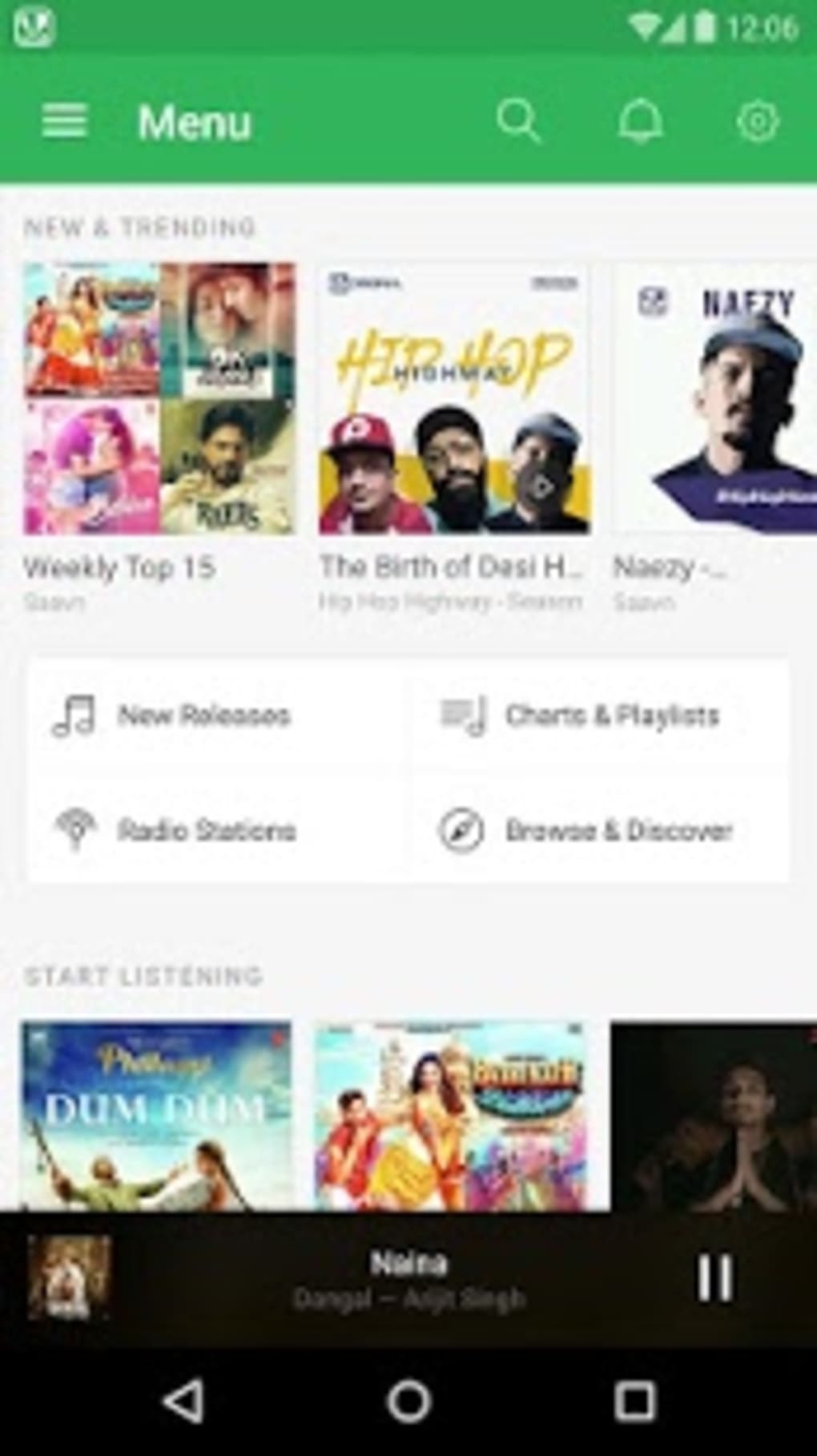
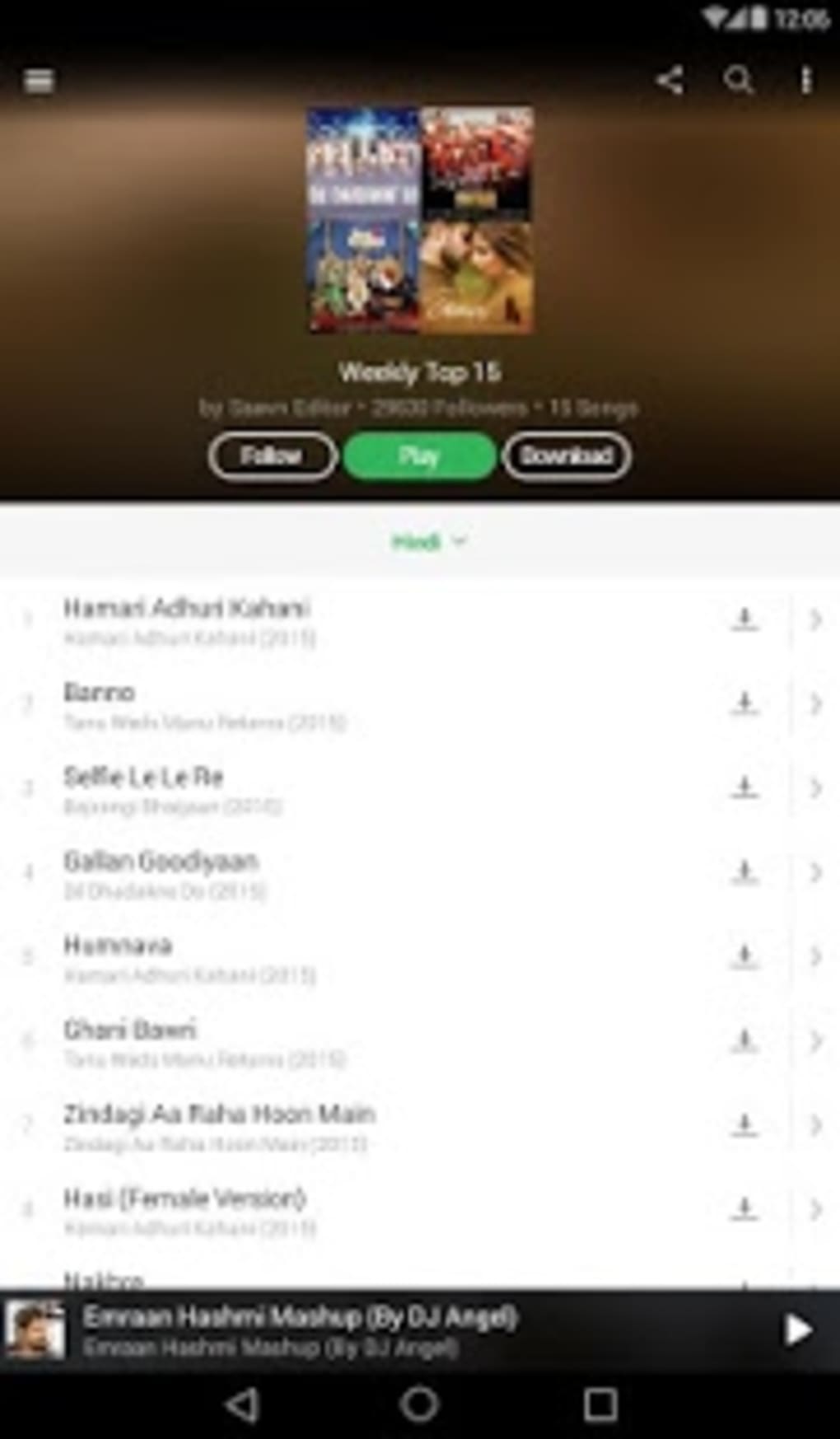
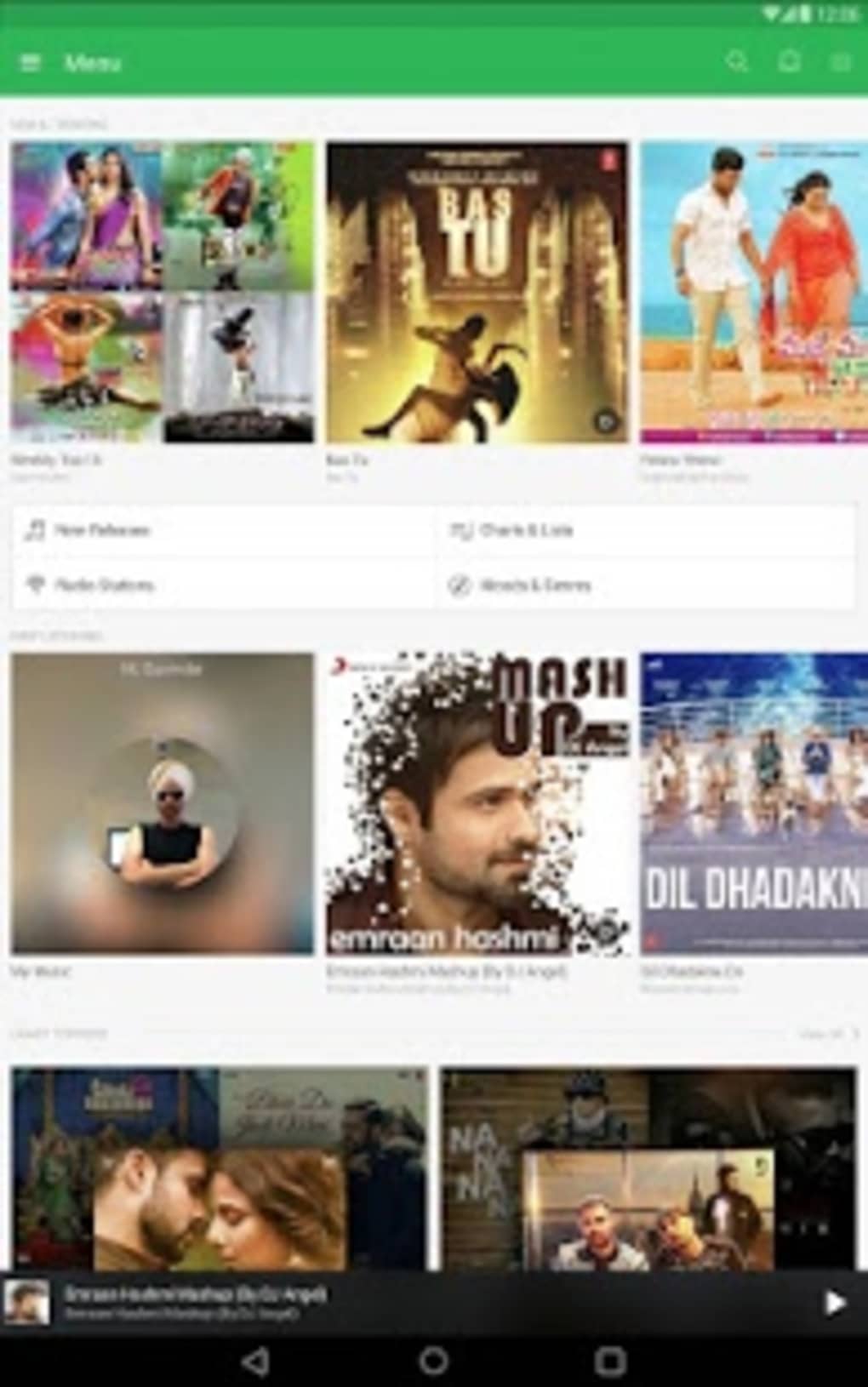
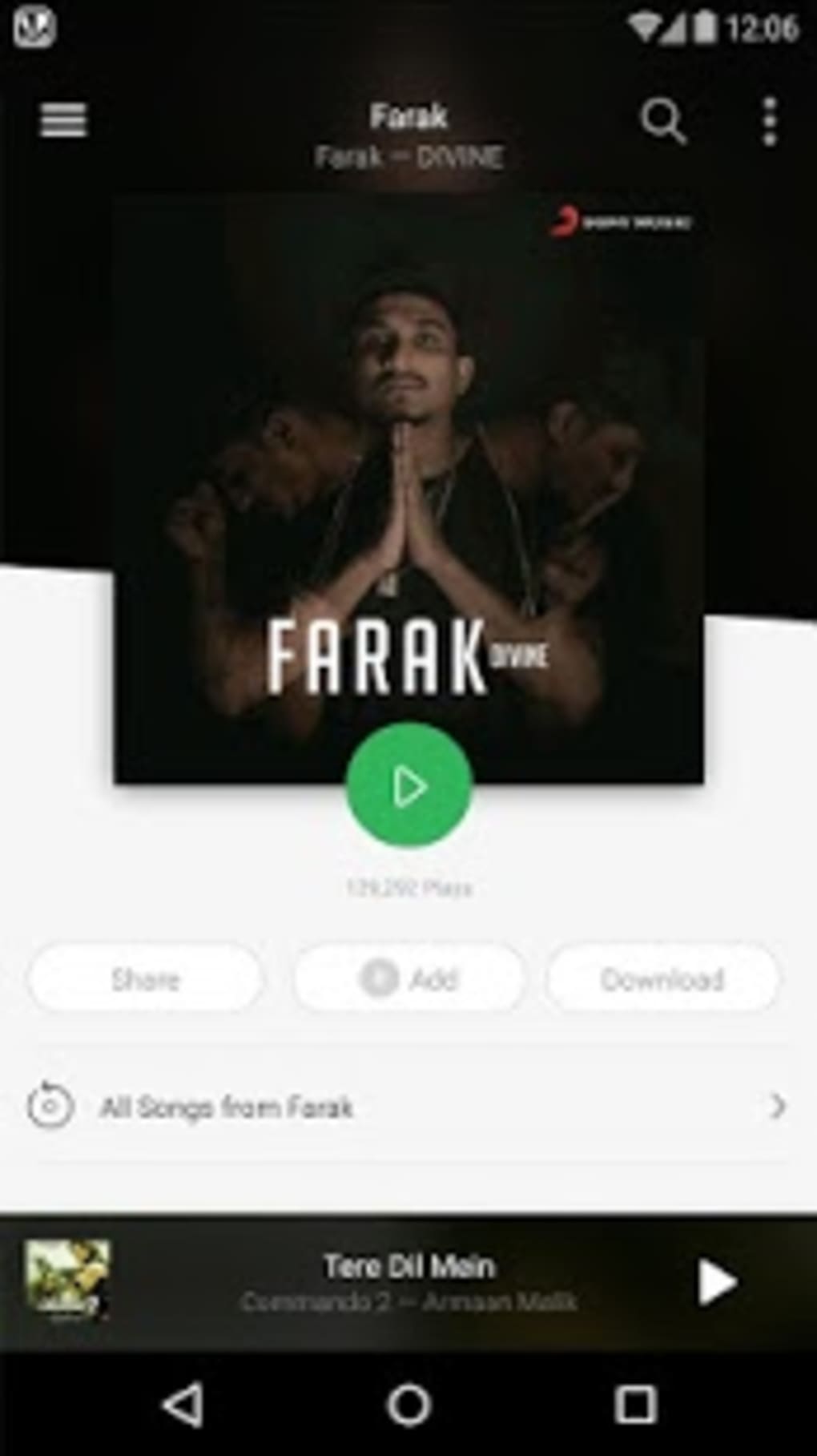
The user interface of Saavn Music & Radio is designed with intuitive navigation, allowing users to browse music libraries, access playlists, and stream or download tracks with minimal effort. The layout emphasizes visual clarity, with prominent display of album art, song titles, and playback controls. Navigation is streamlined through a sidebar menu, with sections for Home, Library, Radio, and Playlists.
Workflow efficiency is enhanced by features such as quick search, recent tracks, and personalized recommendations. The app responds promptly to user inputs, suggesting that it maintains a stable performance under normal usage conditions. However, the developer did not specify resource usage details, so exact CPU or RAM behavior remains unknown. Performance observations are based on general software behavior patterns for similar desktop audio applications.
Stability appears consistent, with no reported issues in the provided information. The application maintains smooth playback across different track types and supports seamless transitions between streaming and offline modes. Overall, the interface supports efficient music management and enjoyable listening experiences.
Compatibility & System Requirements
Saavn Music & Radio is available for both Windows and Mac operating systems, making it accessible to a wide range of desktop users. The software version is 2.0.1, with an installation size of 45.6 MB, indicating a lightweight footprint. This compact size suggests the application is optimized for quick installation and minimal disk space usage.
Exact system requirements were not listed, so users should verify compatibility with their specific hardware and OS version. Platform compatibility information is limited to the supported operating systems. The developer did not provide additional system requirements, and no specific hardware specifications were mentioned. Users are advised to ensure their system meets standard desktop application requirements for optimal performance.
Pros and Cons
Pros
- Supports multiple languages including Tamil, Hindi, English, and Telugu.
- Offers both online streaming and offline playback functionality.
- Includes a customizable playlist creator for personal music collections.
- Features expertly curated playlists and themed online radio stations.
- Lightweight installation at 45.6 MB.
- Available on both Windows and Mac platforms.
Cons
- Exact system requirements were not specified.
- No information on CPU or RAM usage during operation.
- Price point of $1.99 may be considered high for a one-time purchase.
- Limited details on update frequency or future feature roadmap.
- Offline mode may have restrictions on downloaded content.
FAQ Section
Is Saavn Music & Radio compatible with my Windows or Mac system?
The software is available for both Windows and Mac operating systems. Specific compatibility details beyond the OS level were not provided by the developer.
Can I use Saavn Music & Radio offline?
Yes, the app supports offline music playback. Users can download tracks for listening without an internet connection.
Does the app require a subscription to access all features?
The provided information does not specify whether a subscription is needed. The software is offered as a one-time purchase at $1.99.
How often are updates released for Saavn Music & Radio?
Update frequency was not mentioned in the available documentation. Users are encouraged to check for updates through the application or official website.
Is the software secure to download and install?
The application is distributed by Saavn, a known developer in the music space. As with any software, users should download from official sources to ensure security and authenticity.
Final Thoughts
Saavn Music & Radio presents a compelling option for users seeking a desktop-based music solution with multilingual support and offline capabilities. Its ability to deliver content in Tamil, Hindi, English, and Telugu makes it uniquely suited for diverse audiences. The inclusion of curated playlists, online radio, and a playlist creator enhances personalization and discovery. While some technical details remain unspecified, the app’s lightweight size and cross-platform availability are notable advantages.
For music enthusiasts who value variety, customization, and offline access, this software offers a solid experience. The one-time purchase model may appeal to users who prefer not to commit to recurring fees. With its intuitive interface and broad language coverage, Saavn Music & Radio stands out in the desktop music app category.
Download Saavn Music Radio now
Guides & Tutorials for Saavn Music Radio
How to install Saavn Music Radio
- Click the Preview / Download button above.
- Once redirected, accept the terms and click Install.
- Wait for the Saavn Music Radio download to finish on your device.
How to use Saavn Music Radio
This software is primarily used for its core features described above. Open the app after installation to explore its capabilities.
User Reviews for Saavn Music Radio 0
No reviews found





